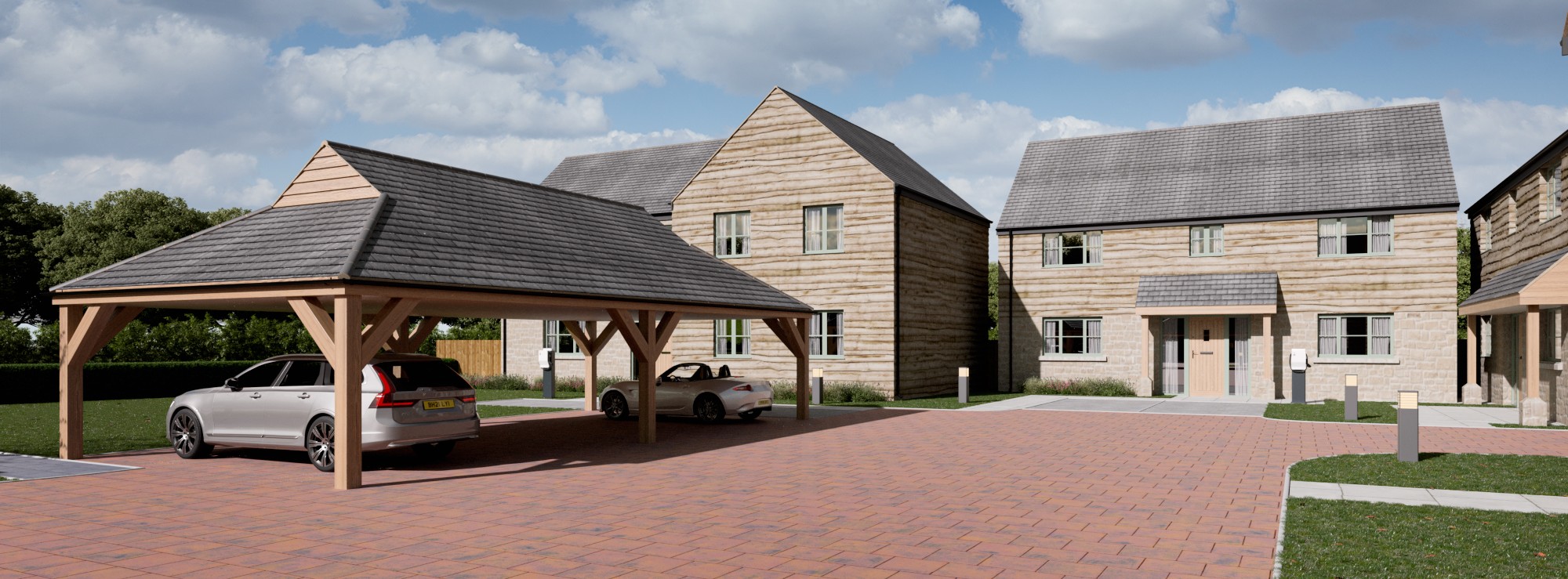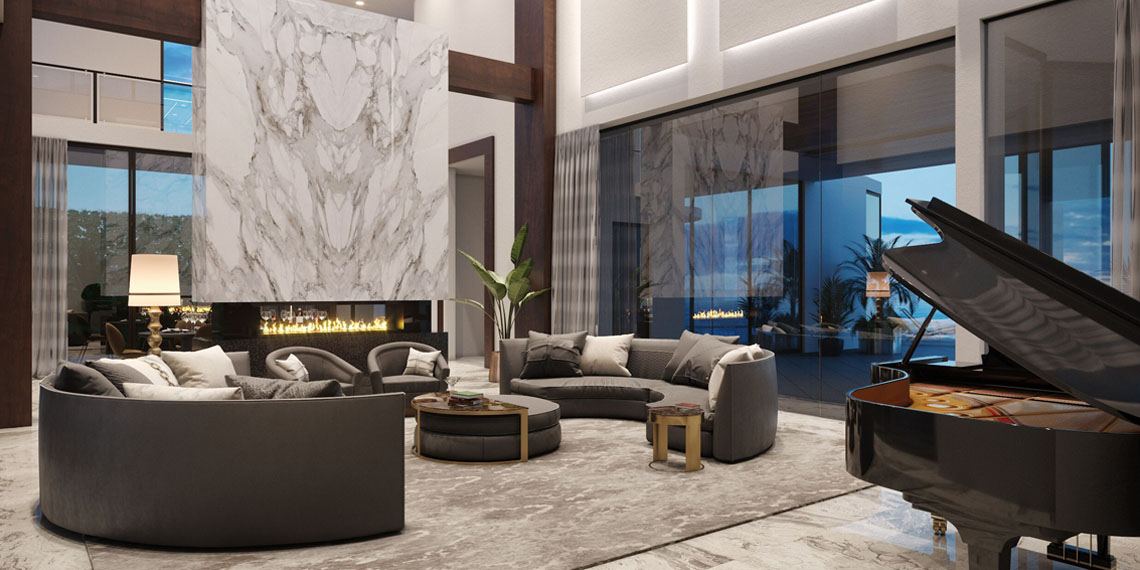
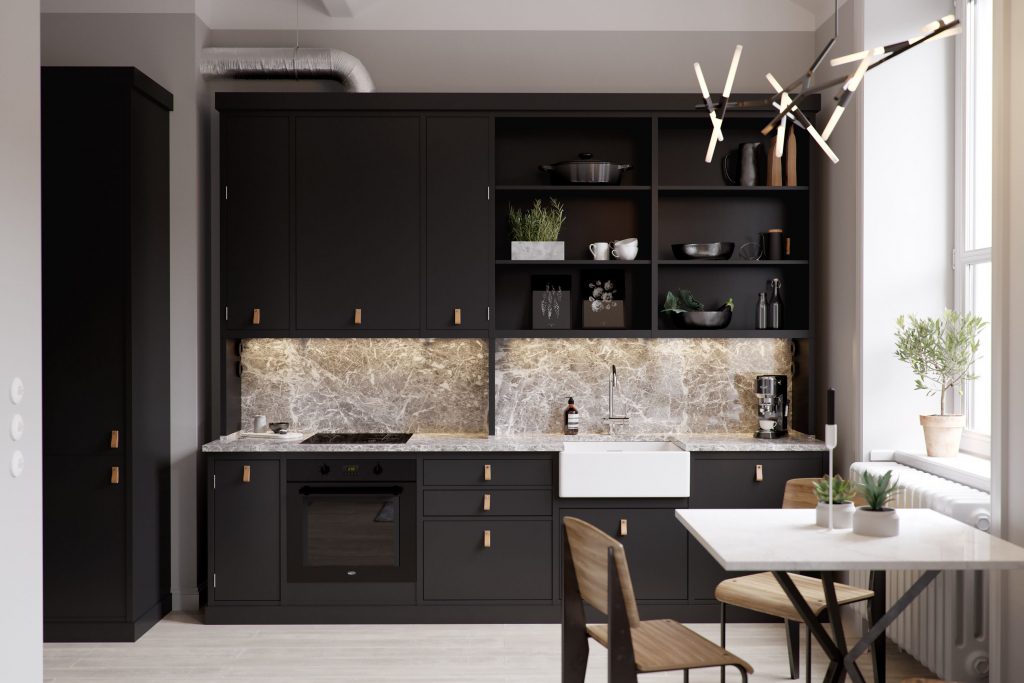
Lighting and materials in interior CGI rendering are what separate a convincing visual from one that feels artificial. In UK property development, this is not a minor detail. It directly affects planning outcomes, investor confidence and off plan sales performance.
When a render accurately shows how light behaves across real materials, the space becomes believable. When it does not, stakeholders hesitate. That gap is where many projects lose momentum.
This guide explains how lighting and materials work together, why they matter commercially and how to ensure your CGI delivers real value.
Why Lighting and Materials Define Interior CGI Quality
At a surface level, CGI creates a visual. In reality, it simulates physics.
Lighting controls how a space is perceived. Materials control how that light behaves.
Together, they influence:
- Depth and spatial clarity
- Atmosphere and mood
- Material authenticity
- Buyer perception
- Planning officer understanding
A technically correct model without these elements refined will still look flat. A well executed render feels like a photograph.
What Is Lighting in Interior CGI Rendering?
Lighting in CGI replicates real world illumination using physically accurate systems. It includes natural daylight, artificial fixtures and indirect light bounce.
Natural Daylight Simulation
This is critical for UK based developments.
It considers:
- Geographic sun position
- Seasonal daylight variation
- Window orientation
- Shadow direction
For planning applications, this level of realism supports clarity and aligns with expectations for accurate visual representation, as outlined in the UK planning application guidance.
Artificial Lighting Design
Artificial lighting defines how a space functions.
Typical sources include:
- Downlights
- Pendant lighting
- Wall lighting
- Feature lighting
Each source must be balanced carefully. Overlighting removes depth. Underlighting reduces usability.
Global Illumination
Realism comes from restraint and accuracy.
Key principles include:
- Correct colour temperature for UK interiors
- Natural shadow gradients
- Balanced contrast levels
- Accurate reflection behaviour
For example, a Gloucestershire residential interior should reflect softer daylight conditions, not overly bright or harsh lighting.
This level of precision builds trust with planners and buyers.
Global illumination simulates how light bounces between surfaces.
This creates:
- Soft shadows
- Natural brightness distribution
- Realistic contrast
Without it, renders appear sharp and unrealistic.
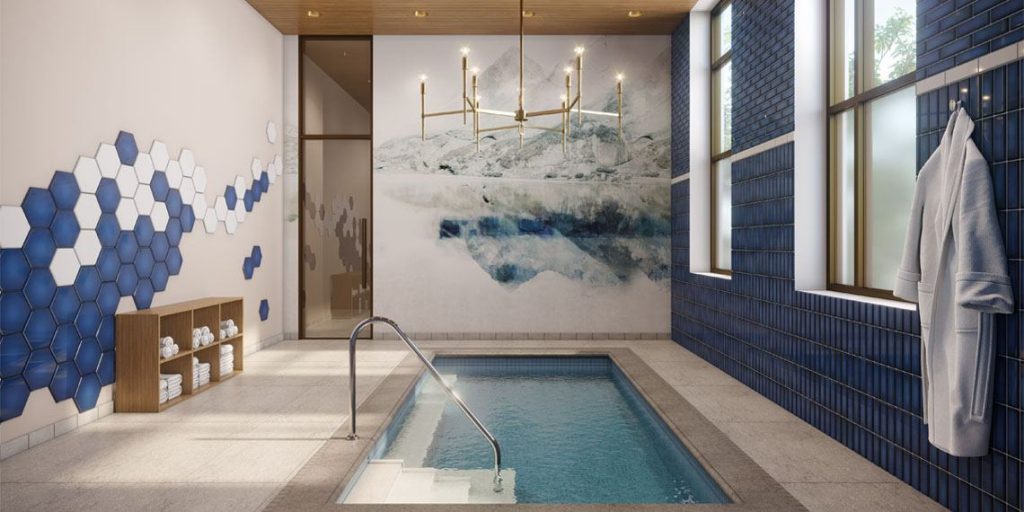
What Makes CGI Lighting Look Real?
Realism comes from restraint and accuracy.
Key principles include:
- Correct colour temperature for UK interiors
- Natural shadow gradients
- Balanced contrast levels
- Accurate reflection behaviour
For example, a Gloucestershire residential interior should reflect softer daylight conditions, not overly bright or harsh lighting.
This level of precision builds trust with planners and buyers.
How Materials Work in Interior CGI Rendering
Materials define how surfaces interact with light.
Modern CGI uses physically based rendering (PBR), which ensures materials behave as they would in reality.
Core Material Components
Texture Mapping
Textures provide surface detail such as:
- Wood grain
- Stone variation
- Fabric weave
High resolution textures are essential. Poor textures immediately reduce perceived quality.
Reflectivity
Reflectivity determines how much light a surface reflects.
- Metals reflect strongly
- Wood reflects subtly
- Painted walls remain mostly matte
Roughness
Roughness controls how reflections scatter.
- Low roughness = sharp reflections
- High roughness = diffused reflections
Transparency and Refraction
Used for:
- Glass
- Water
- Polished surfaces
These must be carefully balanced to avoid unrealistic visuals.
Why Material Accuracy Matters for UK Developments
Material choices in CGI must reflect real world specifications.
This includes:
- Planning expectations
- Local architectural styles
- Buyer preferences
A high end London apartment requires different finishes compared to a regional housing development.
Accurate materials allow:
- Faster planning approvals
- Better stakeholder understanding
- Stronger marketing performance
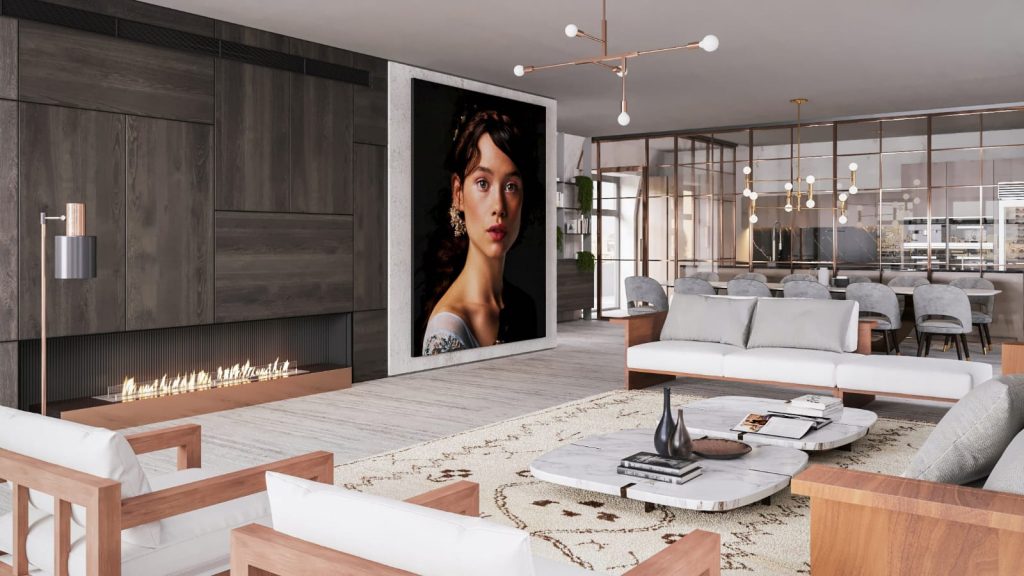
How Lighting and Materials Work Together
Lighting and materials cannot be separated.
A material only looks real when light interacts with it correctly.
Examples:
- Timber appears warm under soft lighting
- Marble reflects highlights sharply
- Fabric absorbs and diffuses light
This interaction creates depth, realism and atmosphere.
It is also where professional CGI significantly outperforms basic rendering.
Common Mistakes in Interior CGI Rendering
Even well designed projects can fall short due to poor visual execution.
Overexposed Lighting
Removes detail and flattens the image
Unrealistic Shadows
Break visual consistency
Flat Materials
Lack depth and realism
Incorrect Scale
Textures appear stretched or too small
Ignoring UK Context
Lighting does not match local conditions
Avoiding these issues requires both technical expertise and design awareness.
How Interior CGI Supports Planning and Sales
Interior CGI is not just visual. It is a decision making tool.
For Planning Applications
Clear visuals help demonstrate:
- Layout functionality
- Light distribution
- Material intent
This reduces ambiguity and improves approval outcomes.
For Developers and Marketing Teams
Photorealistic renders:
- Increase buyer confidence
- Support off plan sales
- Reduce reliance on physical show homes
You can see how this is applied in real projects through
interior CGI visualisations for property developments, where lighting and materials are handled with precision.
How to Achieve Photorealistic Interior CGI
Achieving realism requires more than good software. It requires process and expertise.
Best Practice Approach
- Use physically accurate lighting models
- Match materials to real specifications
- Test multiple lighting scenarios
- Maintain colour consistency
- Refine reflections and shadows
Pro tip: Small adjustments often make the biggest difference. Slight changes in light intensity or material roughness can transform a render.
What Should You Look for in a CGI Partner?
Choosing the right CGI provider is critical.
A reliable team should:
- Understand UK planning requirements
- Use accurate lighting simulation
- Apply high quality material systems
- Deliver consistent, photorealistic outputs
They should also align visuals with commercial goals, not just aesthetics.
Frequently Asked Questions
Lighting is the most important factor. It defines depth, mood and how materials are perceived.
Yes. With PBR workflows, materials can closely match real world surfaces, including reflection, texture and light response.
Typically between a few days and several weeks, depending on project complexity and level of detail.
Conclusion
Lighting and materials in interior CGI rendering are not optional refinements. They are the foundation of believable, effective visualisation.
For architects, developers and planners, this directly impacts how projects are understood, approved and sold.
A strong CGI approach removes uncertainty, communicates intent clearly and enhances commercial outcomes.
Request Professional Interior CGI Visualisations
If your project requires precise, photorealistic interior CGI that reflects real lighting and material behaviour, it is worth getting it right from the start.
Explore professional solutions or request a quote today to ensure your development is presented with clarity, accuracy and impact.